Cover Letter Generator
1. What it is
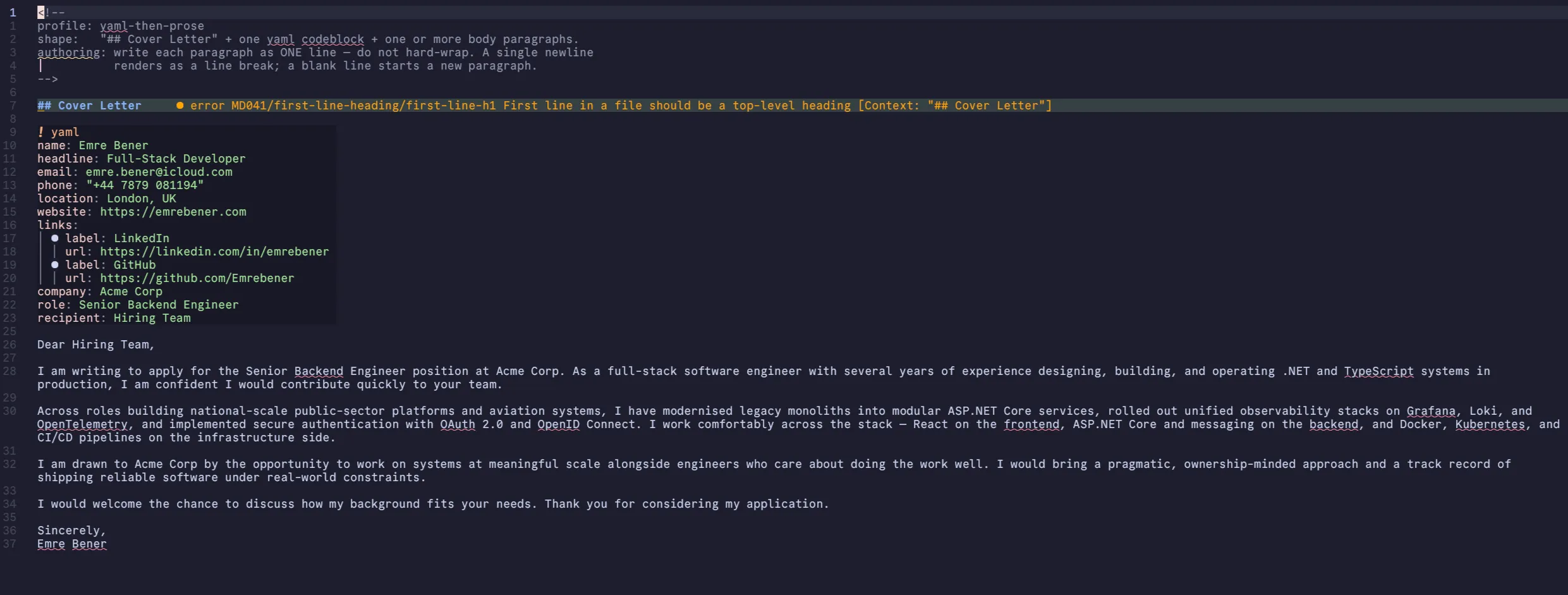
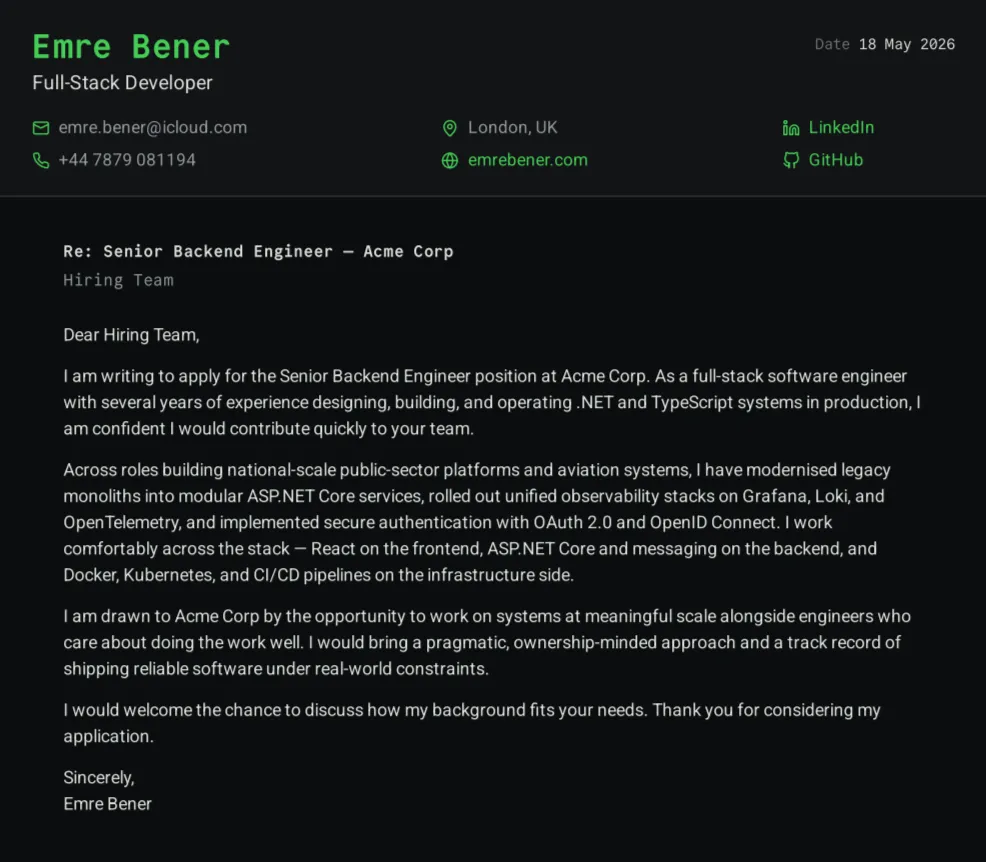
A standalone TypeScript console tool that validates one markdown file and renders a one-page cover letter to PDF. The tailoring-per-application loop runs entirely through an AI agent: edit CoverLetter.md, run npm start, ship the PDF.
The rendering pipeline started life inside my personal site’s Astro build, sharing typography, layout, and the full colour palette with the CV and the rest of emrebener.com. The visual continuity is deliberate: the generated PDF is meant to read as a document from the same author as the site, not a generic markdown-to-PDF dump. I pulled the pipeline out into its own repo because routing every cover letter through the full site build, with its Astro and Cloudflare toolchain spun up, made no sense when the agent only needs to touch one markdown file and one PDF. The standalone tool is tsx src/main.ts and nothing else, with no build step, no UI, no server beyond an ephemeral localhost used during rendering.
The interesting part of a study project this small isn’t the implementation. It’s how narrow the surface area is for an agent to drive end-to-end.
2. Render pipeline: Chromium prints, pdf-lib finishes
npm start runs a linear pipeline: validate, parse, render HTML, render PDF.
Rendering itself happens in two phases. Playwright drives a headless Chromium against an ephemeral localhost serving the generated HTML and copied stylesheets, and page.pdf({ preferCSSPageSize: true, printBackground: true }) produces a PDF that respects the CSS @page rules. Then pdf-lib opens the bytes and post-processes them: PDF metadata, a running-footer band painted across every page, a top-margin repaint on pages 2+ that covers Chromium’s white print margin, and a real PDF link annotation pinned over the footer URL so it’s clickable in any reader.
I went with the two-step approach because page.pdf() is excellent at typesetting body content from real HTML/CSS and useless at the chrome around it. Its displayHeaderFooter mode draws a separate header/footer document at a fixed font and refuses to share the page’s own CSS or fonts. So pdf-lib gets the second half: anything that has to look right across pages and match the theme.
The footer’s surface colour, body background, muted foreground, and accent come from the live rendered page, not from constants. Before the page closes, a one-pixel canvas IIFE samples the computed styles from the actual DOM:
const COLOR_SAMPLER = `(function() {
  function toRgb(cssColor) {
    var c = document.createElement('canvas');
    c.width = 1; c.height = 1;
    var ctx = c.getContext('2d');
    ctx.fillStyle = cssColor;
    ctx.fillRect(0, 0, 1, 1);
    var d = ctx.getImageData(0, 0, 1, 1).data;
    return [d[0] / 255, d[1] / 255, d[2] / 255];
  }
  var header = document.querySelector('.cl-letterhead');
  return {
    surface: header ? toRgb(getComputedStyle(header).backgroundColor) : [0.14, 0.15, 0.17],
    /* ...bg, mutedFg, accent */
  };
})()`;
Two things are load-bearing there. First, it’s a string, not an arrow function. tsx/esbuild rewrite named inner functions with a __name(...) keep-name wrapper that doesn’t exist in the browser context, and page.evaluate blows up the moment Chromium tries to execute the rewritten code. A string bypasses the transform. Second, the sampler runs every render, so any theme tweak in theme.css flows into the pdf-lib overlays without me having to maintain a parallel palette anywhere.
3. The agent loop
The whole tool exists to make the per-application loop trivial for an AI agent. Two design choices carry that.
Two-tier content. content/originals/ is the pristine baseline; content/working/ is what the generator reads and what the agent edits. npm run sync resets working/ from originals/, so each application starts from a clean slate without me curating diffs. The generator never reads originals/ at all, which means an agent that misunderstands the convention still cannot corrupt the baseline by writing to the wrong path.
Validation-first, collect-everything. validateAll() parses the working file and returns the full list of violations as file · field strings. The pipeline runs the validator before anything else, and on failure prints every problem at once and exits 1:
const violations = await validateAll();
if (violations.length > 0) {
  const lines = [
    `${violations.length} content violation(s):`,
    '',
    ...violations.map((v) => `  ${v}`),
    '',
    'Fix each file under content/working/ and rerun.',
  ];
  throw new Error(lines.join('\n'));
}
Failing-with-everything matters because the agent is the consumer of the error output. Stopping at the first violation forces a serial fix-rerun loop; surfacing all violations at once lets the agent converge in one round-trip. The parser itself follows the same shape: every field maps to an ensureString/isValidUrl/email check that throws a ParseError carrying the file, the field, and a one-line explanation. Cheap to read for a human, trivial to parse for an LLM.
AGENTS.md, the entire spec the tailoring agent runs against, fits on a page. The reason this project was worth extracting from the site repo is the same reason the result is small: every layer beyond that loop was overhead on the per-application hot path.